Most e-commerce brands think email marketing is about design.
Better-looking emails.
Better copy.
Better subject lines.
But the truth is… most of your results don’t come from that.
They come from basic settings inside Klaviyo.
I’ve made a lot of money for clients using email marketing. And most of it didn’t come from fancy designs.
It came from:
👉 sending the right email
👉 to the right person
👉 at the right time
In this post, I’ll show you 5 deadly Klaviyo mistakes that are quietly killing your revenue, and how to fix them.
Mistake #1: Keeping Double Opt-In Turned On
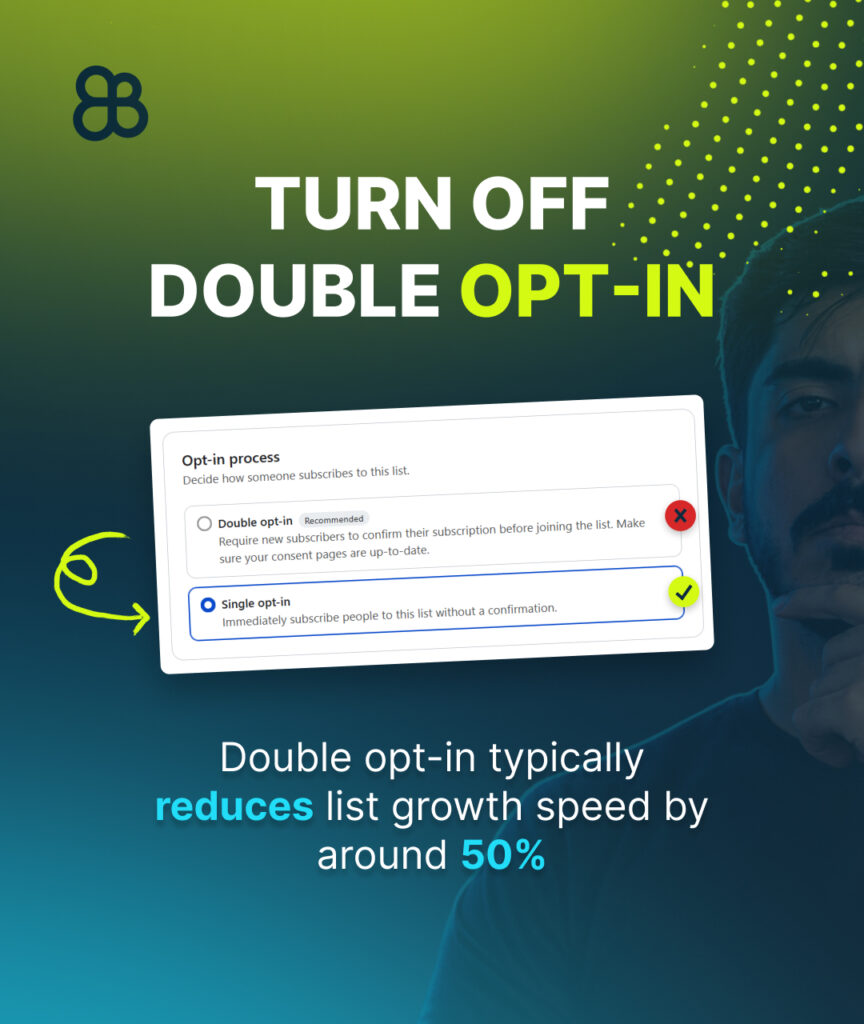
By default, Klaviyo uses something called double opt-in.
This means:
- Someone enters their email on your popup
- Then they must confirm it again in their inbox
Sounds safe… but here’s the problem:
👉 You lose a huge number of people in that second step
In most cases, this can reduce your list growth by up to 50%.
That means:
- fewer subscribers
- fewer emails sent
- less revenue
What to do instead
Switch to single opt-in.
Now when someone signs up, they instantly:
- join your list
- enter your welcome flow
- start receiving emails
This one change alone can double your list growth.
Mistake #2: Not Using a Branded Sending Domain
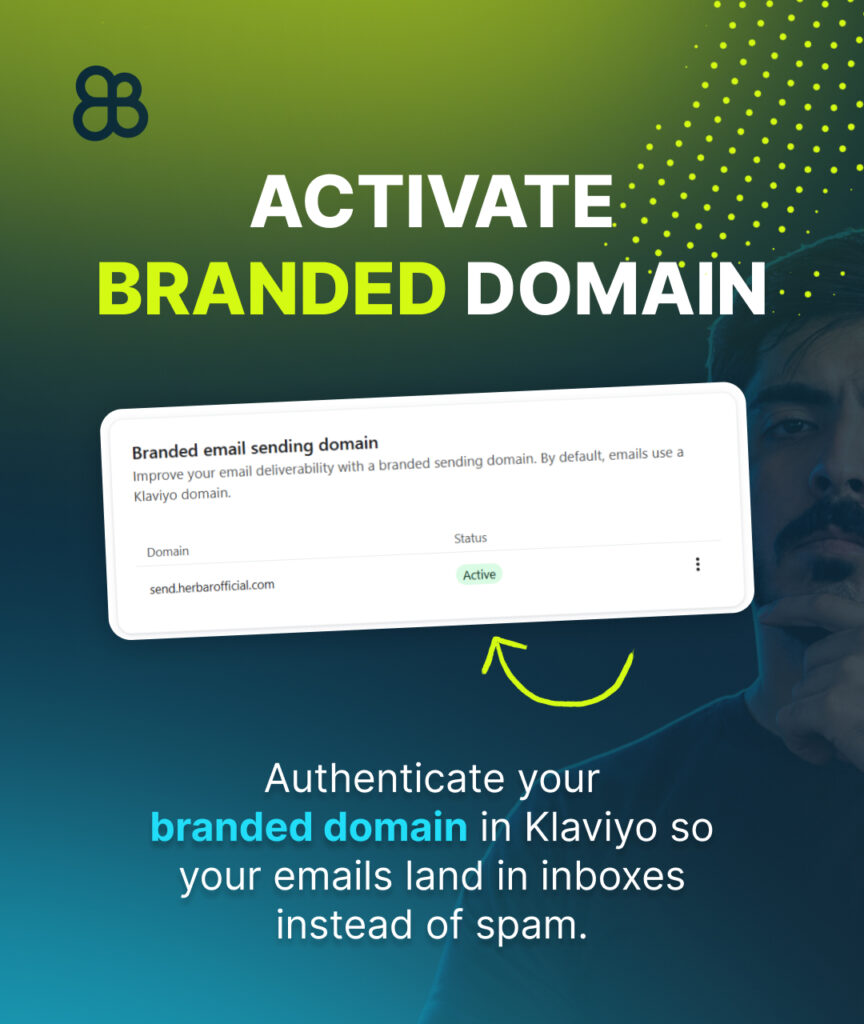
If you don’t set this up, your emails can slowly start landing in spam.
A branded domain tells inbox providers (like Gmail and Outlook):
👉 “This sender is legit.”
Without it:
- your emails look suspicious
- your deliverability drops
- fewer people see your emails
What to do
Set up a branded sending domain inside Klaviyo.
It’s a one-time setup, but it has a big impact on:
- long-term performance
- inbox placement
- trust
Mistake #3: Leaving Smart Sending Turned On
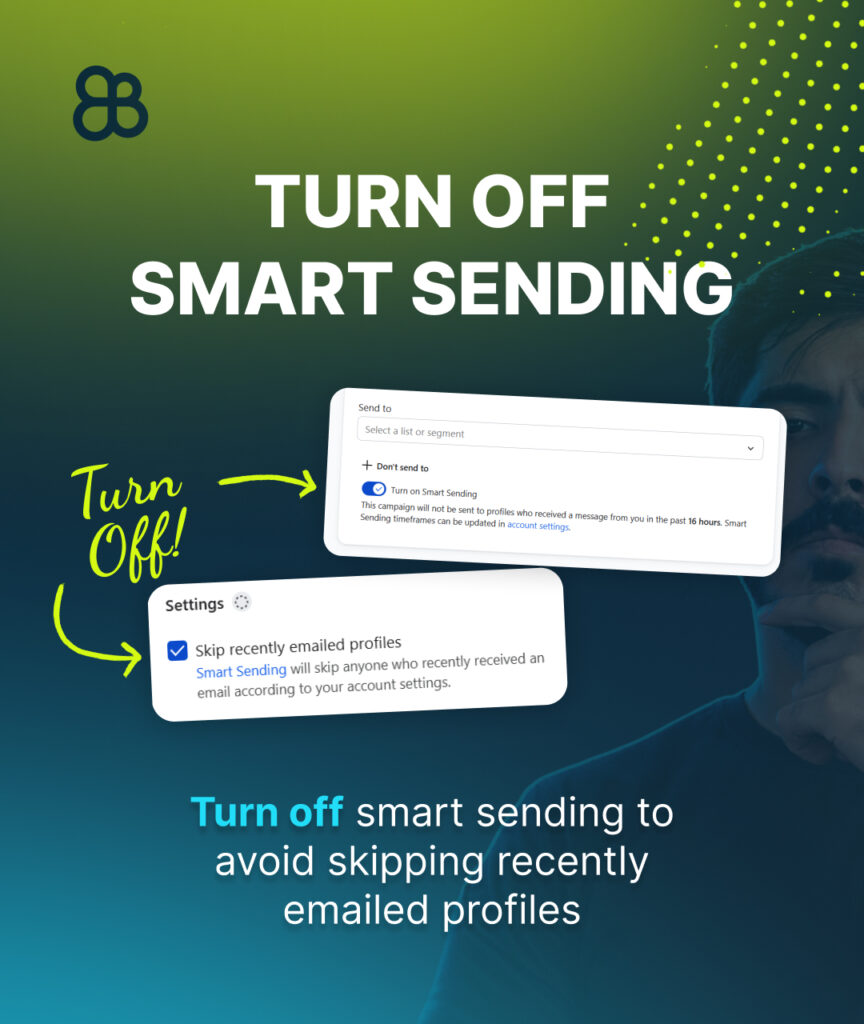
This one silently kills your campaigns.
Smart sending prevents people from receiving emails if they got another email recently.
Sounds helpful… but it’s not.
Let’s say:
- someone just got an abandoned cart email
- then you send a big promotion
👉 Klaviyo might skip that person completely
That means:
- missed sales
- fewer people seeing your campaigns
What to do
Turn smart sending OFF for:
- campaigns
- important flows
You want your important emails to reach everyone not get filtered out.
Mistake #4: Using Different Lists for Popup and Welcome Flow
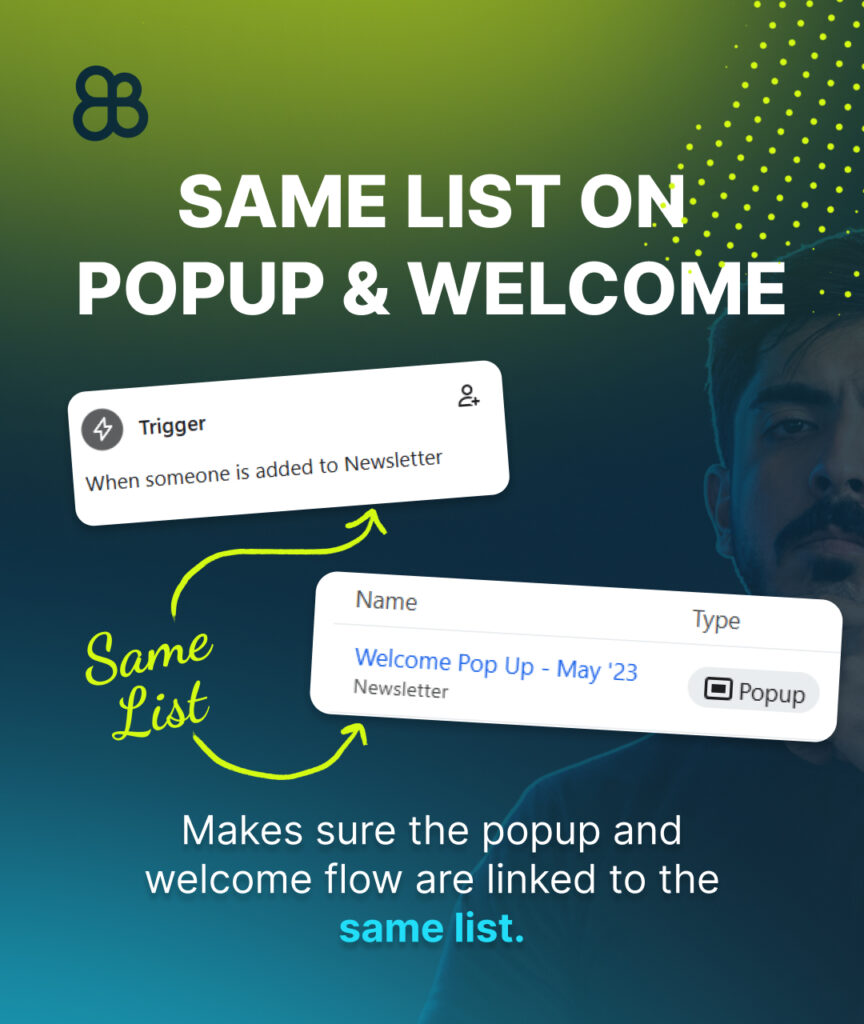
This is one of the biggest mistakes—and most people don’t even notice it.
Here’s what happens:
- Your popup collects emails into List A
- Your welcome flow is connected to List B
👉 Result: new subscribers NEVER get your welcome emails
That means:
- no first impression
- no discount delivery
- no early conversion
You’re literally losing easy money.
What to do
Make sure:
- your popup
- and your welcome flow
👉 are connected to the same list
Always double-check this.
Mistake #5: Only Using Checkout Flows (Ignoring Cart Flows)
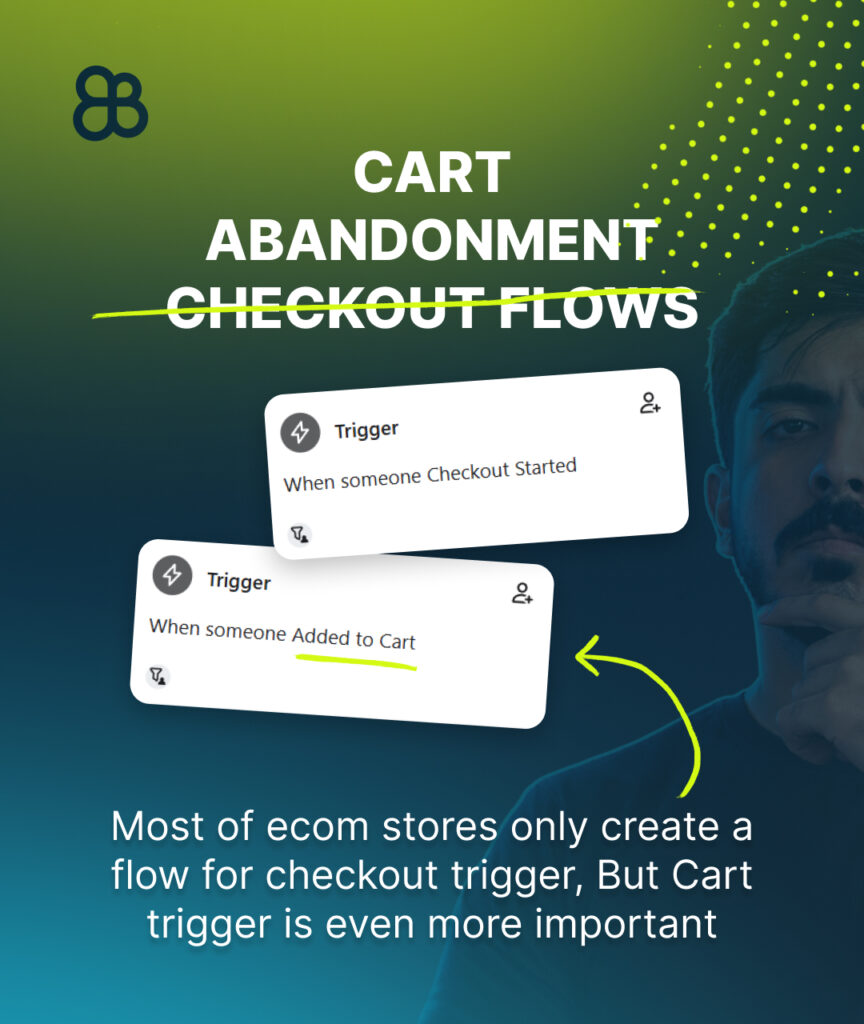
Most stores only set up abandoned checkout flows.
But that’s a huge mistake.
There are two different actions:
- Add to Cart
- Start Checkout
And guess what?
👉 WAY more people add to cart than start checkout
Example:
- 1,500 people add to cart
- only 300 start checkout
If you only target checkout…
👉 you’re ignoring 1,000+ potential customers
What to do
You need BOTH:
- Abandoned cart flow (add to cart trigger)
- Abandoned checkout flow (checkout trigger)
This way you cover:
- early intent
- high intent
And recover more revenue.
Why These Mistakes Matter
None of these are “advanced tactics.”
They’re simple settings.
But they control:
- who gets your emails
- when they get them
- whether they even see them
Fixing these can:
- increase your revenue
- grow your list faster
- improve deliverability
Without writing a single new email.
Want to watch the full tutorial?
I have recorded a full video tutorial on how to do all the steps, You can click on this LINK and watch my tutorial in youtube.
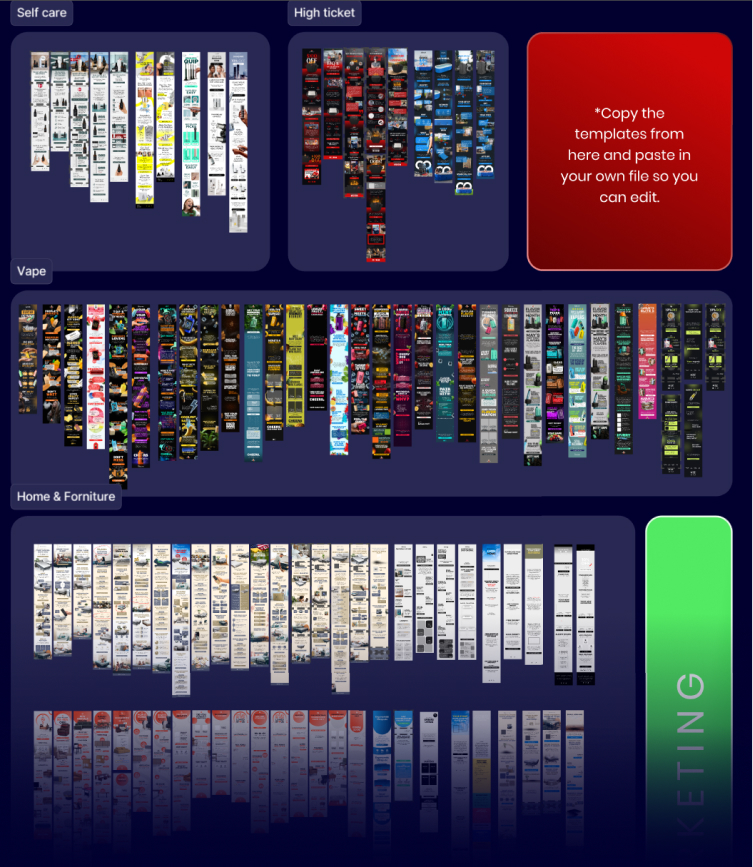
Get Your Free Figma Email Templates
Speed up your design process with our free Figma email template pack. Use proven layouts for Welcome, Abandoned Cart, and Campaign emails. Grab it here: CLICK HERE.
Want Expert Help? Get a Free Email Audit
If you’d like a pro to review your Shopify email setup and create a 90-day revenue plan, request your Free Email Marketing Audit here: CLICK HERE.